Rhino and Revit users now gain D5 Lite as an interactive real-time rendering solution inside these design authoring environments.
D5 Lite for Rhino
Rhino is an industry standard for architectural creation, where marquee architects formalize their innovative ideas. Rhino is also an ecosystem with a rich set of specialized tools that support generative design, parametric workflows, and environmental simulation. In many ways, Rhino is a design laboratory.
Into this environment comes D5 Lite for Rhino to bring real-time visual feedback directly into this popular modeling and simulation environment.
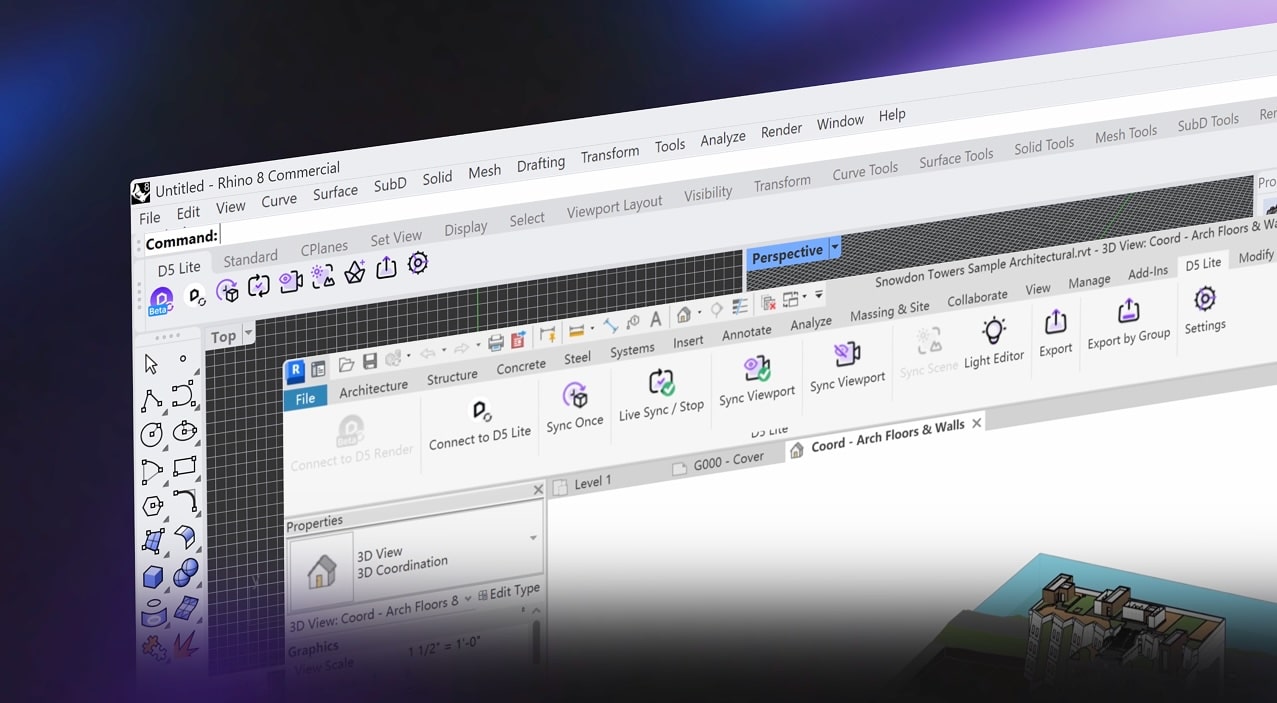
D5 Lite for Rhino and D5 Lite for Revit are new products with D5 Render version 3.1.
Built for Rhino, D5 Lite enables designers to preview realistic materials and lighting while they model their creations, without having to leave Rhino or wait for another rendering process. This helps designers see complex geometry and how it may actually look before the design process is finalized. It’s a visual layer for Rhino’s design culture.
D5 Lite for Revit
For Revit users, the utilization of the BIM environment for continued design exploration remains high. This is why D5 Lite for BIM users in Revit can be a big benefit to their workflows. There is no need to push the BIM model to another visualization tool and run renderings and wait and see what the results look like.
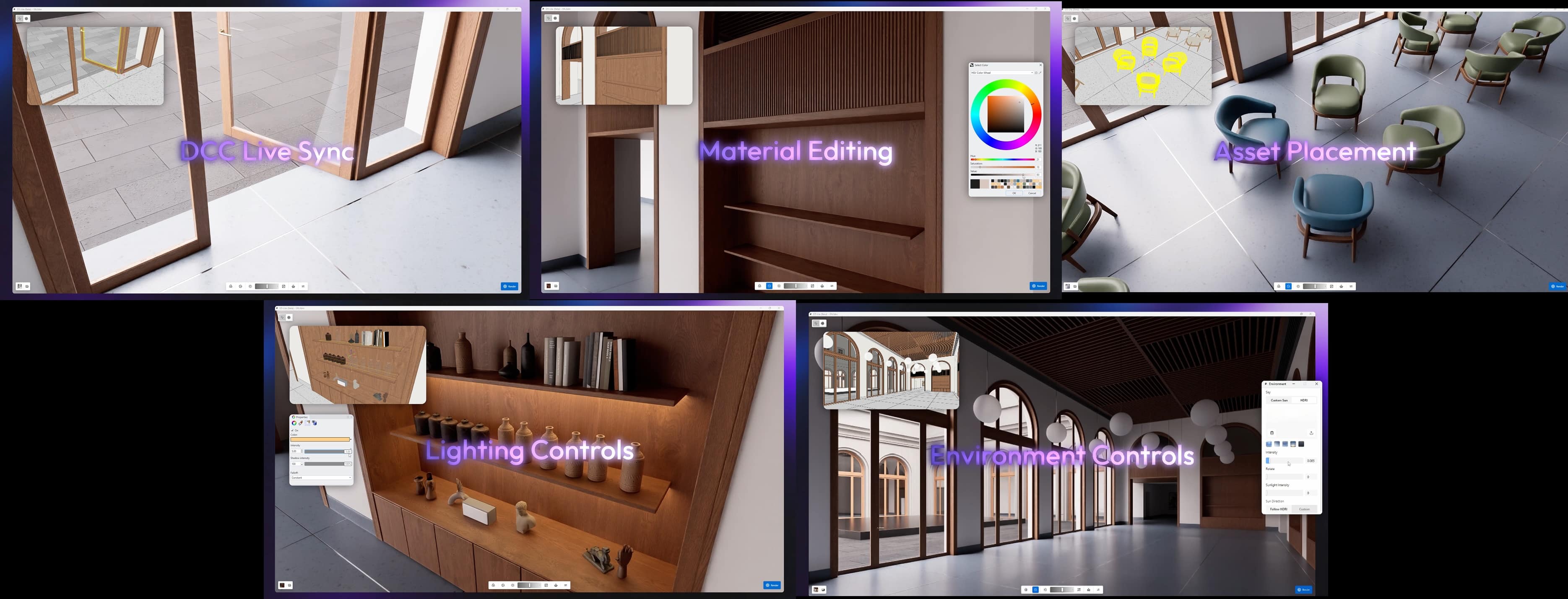
D5 Lite’s capabilities are shown off here, including: DCC Live Sync, Material Editing, Asset Placement, Lighting Controls, and Environmental Controls.
Visualization at the photorealistic level belongs inside the BIM workflow process. Designs continue to evolve all through the design development process and even into construction documentation. Having D5 Lite for Revit means users can make adjustments to the building throughout any phase and turn to D5 Lite to evaluate the outcome of that change.
D5 Lite is not intended to replace the presentation power of D5 Render. Its role is to support ideation and form-making by enabling designers to test out real lighting conditions and materials.
To learn more, sign up for a free webinar. Registration is available through the webinar page here, and anyone who registers but cannot attend live can receive access to the recorded session.
Architosh Analysis and Commentary
D5 created the D5 Lite applications as an AI-native visualization plugin for the design phase. Users can explore with AI, verify and test material ideas and how they look when rendered realistically, and test lighting design and environmental lighting conditions. All of this takes place inside the native design authoring application, be it SketchUp (previously released) or now Rhino and Revit. To learn more, visit here.