Trimble’s SketchUp has added AI-powered 3D modeling thanks to a new integration with Anthropic’s Claude, the large language model and popular AI assistant. With the new integration, SketchUp users can create 3D models directly from a conversation with the AI engine.
Claude Meets SketchUp
A new SketchUp Connector brings in the power of an MCP (model context protocol) service that allows Claude to interact directly with SketchUp (.SKP) files.
Key Takeaways
- SketchUp users can utilize Claude AI to generate 3D models from prompts, including both text prompts and pictures.
- SketchUp users will need a Claude AI account to utilize the new SketchUp Connector for Claude.
The connectivity benefits users by enhancing their ability to create 3D models, regardless of their SketchUp 3D modeling skill level.
What Can You Model
Users can create new geometry by simply describing their design goals, such as building massing models, landscapes, or furniture.
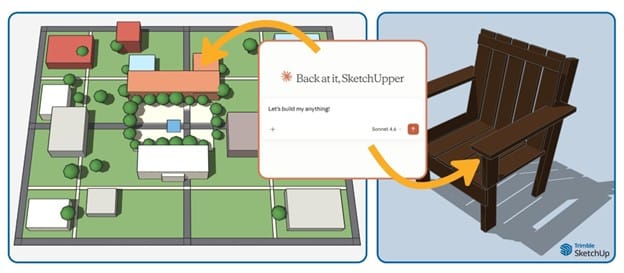
SketchUp Connector for Claude AI powers AI-generated 3D modeling in Trimble SketchUp.
They can provide plain-language inputs, reference images, sketches, photos, floor plans, and dimensions that they upload to give Claude the necessary context to understand the design modeling objective. Claude then builds the geometry in a cloud SketchUp session, iteratively verifying the dimensions.
Chris Cronin, vice president and general manager of architecture and design solutions at Trimble, says:
The learning curve and time it takes for professionals to transfer a vision to a digital model have traditionally been the biggest barrier to 3D modeling
“Natural language prompts and the power of AI make it easy for anyone to get started and excel,” adds Cronin, “including inexperienced and non-traditional 3D design users, bringing us closer to our ‘3D for everyone’ goal.”
This new specialized Claude integration with SketchUp is consistent with Trimble’s overall initiatives to democratize advanced technologies and make them available to a wider range of users.
More Claude Advantages
SketchUp Claude Connector also tracks version history within a single chat, allowing users to quickly navigate, troubleshoot, and refine their models. If the design is not quite correct, the user can describe what is wrong, and Claude will make adjustments based on what is specified as wrong.
MORE: Trimble set to acquire AI-powered Document Crunch
When a model is complete, the Connector creates a 2D preview thumbnail and provides a direct download link to the (.SKP) file. Once downloaded, the user can then manually edit the model.
And one more final note. Users can train Claude on core skills and unique workflows to complete competitive tasks.
Availability
Users can get started today by enabling Trimble SketchUp in Claude’s MCP directory connector settings. Accessing the connector does require a Claude account and a Trimble ID for authentication. Users receive a free SketchUp entitlement that allows them to save up to 30 SketchUp models; after that, a paid entitlement is required. Resulting files can be opened in SketchUp for Web, Desktop, iPad, or iPhone.
Architosh Analysis and Commentary
As some additional directions. When you log into your Claude account, go to Customize, click on Connect your Apps, and then you will have a list of all of Anthropic’s partners. Search for Trimble. Hit the plus icon to connect Claude with SketchUp.
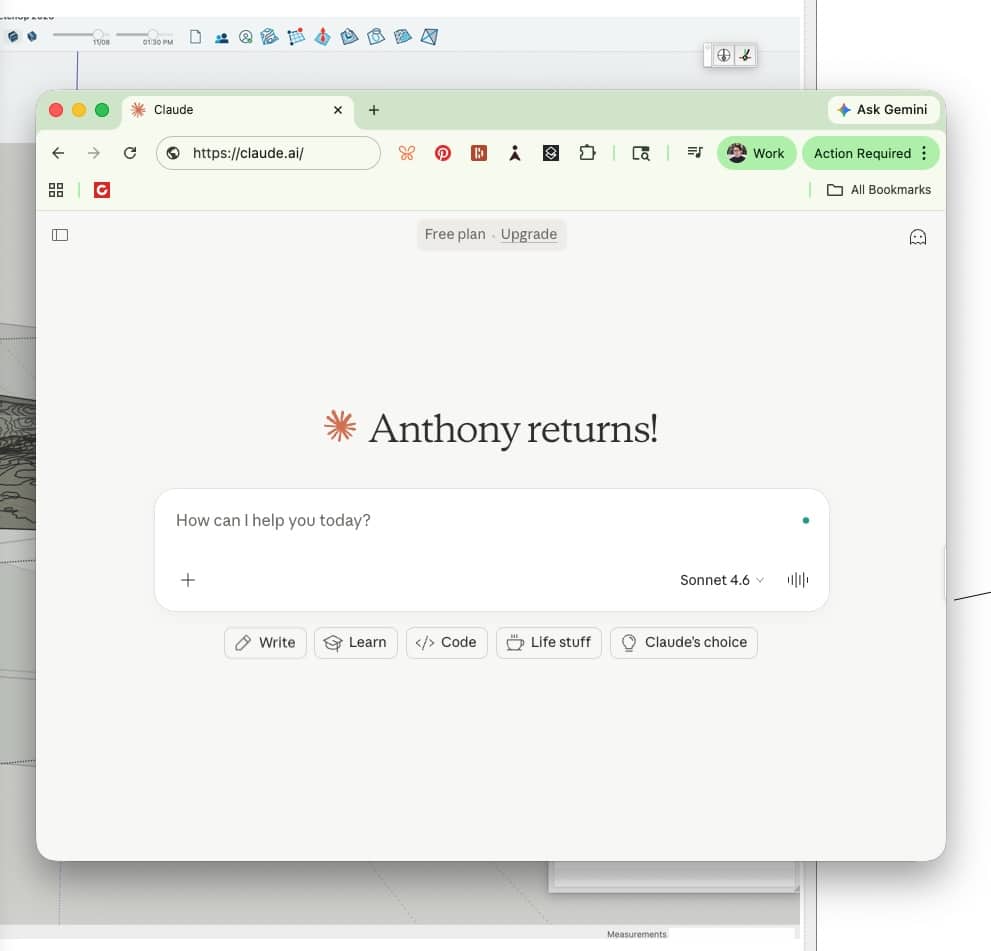
View of Claude’s main sign-in page. You need an Anthropic Claude account in order to link SketchUp to Claude for AI-powered modeling.
In watching some users explore this technology, the results are varied but also quite solid. Reference images only type Claude-generations may be off quite a bit, while others are strangely very good. Perhaps most positive is that a combination of detailed reference images (those including dimensions), combined with detailed prompts with dimensions, can yield substantially good results. We are talking about whole combinations of rooms, like a bedroom suite. Another positive side is that Anthropic‘s Claude appears to be quite fast. Trimble doesn’t really note that in their announcement, but user tests are showing good speed for results. You still have to download the file, but that doesn’t take a lot of time in the grand scheme of things, especially if Claude saves you 30 minutes of modeling.